Description:
Learn to design spooky Halloween robots in Fusion 360 with this comprehensive tutorial video. Follow along as the instructor guides you through the process of creating two line-following robots that can chase each other. Explore various Fusion 360 techniques including sketching, extruding, filleting, using planes, creating circular patterns, and designing connectors. Discover how to craft a transparent ghost body, create intricate front faces, and add eerie eyes and mouths to your robotic creations. Gain insights into the SMARS (Screwless Modular Assemblable Robotic System) platform and enhance your 3D modeling skills for robotics projects.
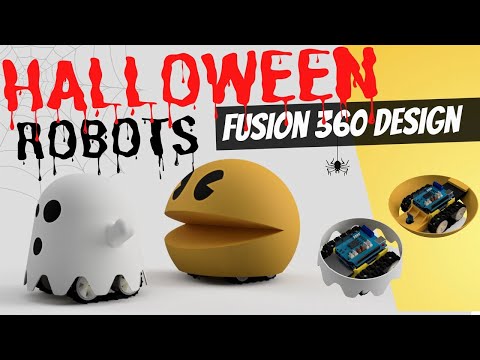
Halloween Robot Design in Fusion 360
Add to list