Description:
Watch a comprehensive tutorial on geometric animal logo design with illustrator and designer Ben Stafford. Learn professional techniques for creating striking logo marks in Adobe Illustrator, including brainstorming ideas, using pathfinder tools, manipulating points, and testing designs. Gain valuable insights on presenting work to clients, balancing geometric and organic elements, working with typography, and preparing files for print. Follow along as Ben creates a deer/buck logo design while sharing tips on color application, font selection, client briefs, and iteration processes. Discover how to use tools like Permanent Press 2 and understand concepts such as print bleed to enhance your logo design skills.
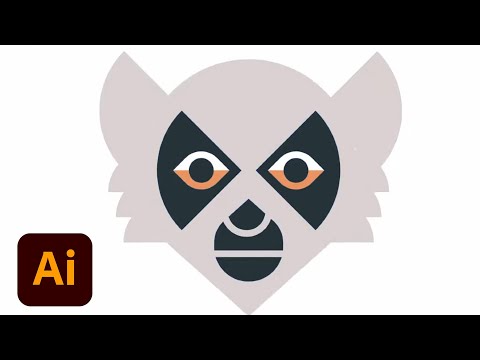
Geometric Animal Logo Design in Adobe Illustrator - Part 2
Add to list
#Art & Design
#Digital Media
#Adobe
#Adobe Illustrator
#Design & Creativity
#Graphic Design
#Typography
#Color Theory
#Vector Graphics
#Humanities
#Games
#Dungeons & Dragons
#Pathfinder Tool