Description:
Learn essential schematic capture techniques in Fusion 360 Electronics through this 41-minute tutorial video. Master placing components using the Place parts panel, connecting them with the Net command, and explore additional tools in the schematic editor. Follow along as the instructor guides you through library management, component insertion and positioning, net connections, value assignments, design organization, persistent groups, title additions, BOM generation, and selection filtering. Gain practical skills to create professional schematics and enhance your Fusion 360 Electronics proficiency. Perfect for beginners looking to complete their first project step-by-step.
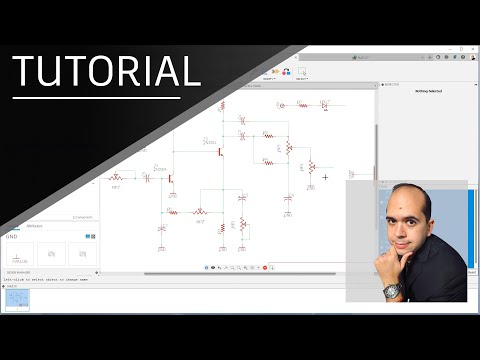
Fusion 360 Electronics for Beginners - The Schematic
Add to list