Description:
Learn how to transform a Figma design into a functional resume webpage in this comprehensive video tutorial. Explore the process of starting a project from scratch, setting up custom properties, and implementing essential HTML and CSS techniques. Master the art of creating icon lists, structuring the main content area, and styling job experiences. Dive into advanced topics like horizontal scrolling and responsive design fixes. Gain valuable insights on font selection, utility classes, and component isolation. Perfect for web developers looking to enhance their skills in translating designs into code and creating visually appealing, responsive resume pages.
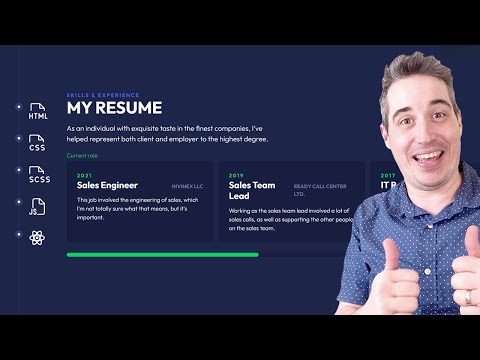
From Figma to Code - Creating a Resume Page
Add to list
#Art & Design
#Design & Creativity
#Figma
#Computer Science
#Programming
#Web Development
#HTML
#Web Design
#Responsive Design
#Front-end Development