Description:
Learn to build a comprehensive check register in Excel using advanced functions like IF and ISBLANK in this 32-minute tutorial video. Master essential skills including creating double vertical borders, implementing data validation, applying conditional formatting, and constructing complex checkbook balance formulas. Explore the nuances of IS functions, discover the power of zero-length text strings, and utilize the Formula Evaluator to understand IF function mechanics. Gain practical insights into ISFORMULA, FORMULATEXT, and techniques for testing cell contents. Download accompanying materials to follow along and enhance your Excel proficiency for business math applications.
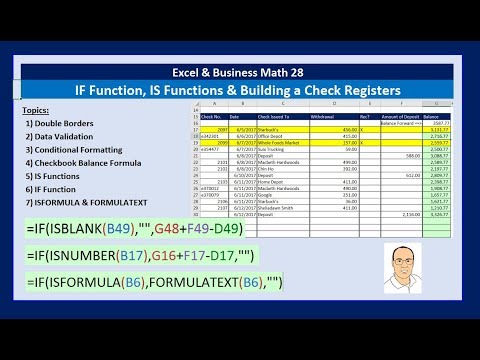
Excel & Business Math - IF Function, IS Functions & Building a Check Register and Other IF Tricks
Add to list
#Business
#Business Software
#Microsoft Office 365
#Microsoft Excel
#Computer Science
#Information Technology
#Data Management
#Data Validation
#Business Math