Description:
Explore effective workflows between Autodesk Eagle (E-CAD) and Fusion 360 (M-CAD) in this 56-minute livestream. Learn time-saving techniques for creating electronic component cut-outs, and discover the seamless integration between PCB design and mechanical modeling. Follow along as the presenter demonstrates PCB schematic creation, component placement, and routing in Eagle, then transitions to Fusion 360 for enclosure design. Gain insights into interference checking, model replacement, and other valuable ECAD/MCAD tips to streamline your electronic product development process.
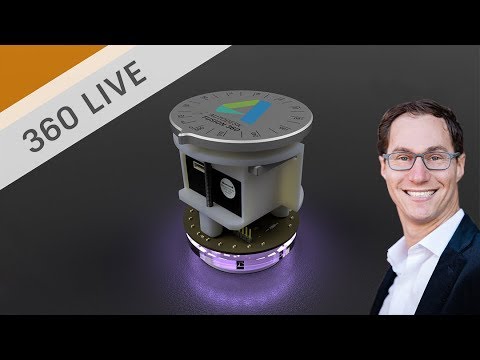
E-CAD + M-CAD Workflows and Tips
Add to list