Description:
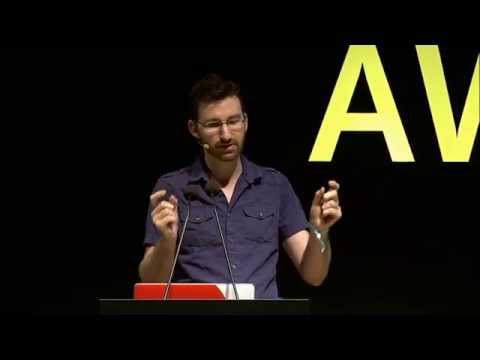
Explore Chrome DevTools as a powerful tool for both designers and developers in this 35-minute conference talk by Paul Bakaus, Developer Advocate at Google and creator of jQuery UI and the Aves Engine. Discover how to leverage DevTools for responsive design controls, animations, and more. Learn about rendered fonts, workspaces, flat design techniques, and the animation panel. Dive into device mode, upcoming features like Flow and SmartColor, gradients, responsive design tools, and CSS transforms. Gain insights into making DevTools an essential part of your design and development workflow.
Designing with Chrome DevTools
Add to list
#Conference Talks
#awwwards.
#Art & Design
#Visual Arts
#Animation
#Programming
#Web Development
#Web Design
#Responsive Design
#Chrome DevTools