Description:
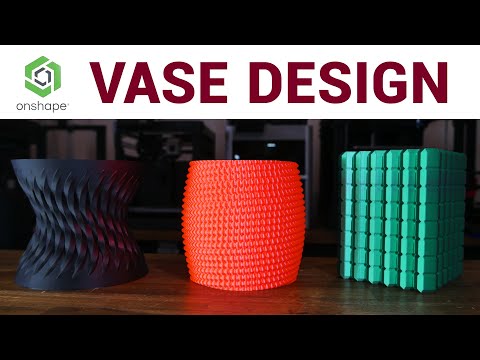
Learn advanced 3D design techniques for creating vase mode-compatible models in this comprehensive tutorial. Explore the concept of vase/spiral contour mode in 3D printing and how to activate it in your slicer. Master various design methods including linear patterns, circular patterns, swept helixes, projected shapes, and curve patterns to create intricate vase designs. Discover how to apply these techniques to create unique objects like Christmas baubles and experiment with different variations. Gain practical skills in using Onshape CAD software to bring your vase mode designs to life, suitable for those already proficient in 3D modeling.
Designing for Vase Mode - 3D Design for 3D Printing
Add to list