Description:
Watch a comprehensive two-hour video tutorial on designing and mocking up logos with designer John Olson. Learn how to create a series of logos for the fictional company Ingen from Jurassic Park, including character name tags, using Adobe Illustrator. Discover techniques for creating mockups in Photoshop. Follow along as John demonstrates project organization, works with final logo concepts, isolates shape anchor points, finds brand voice, and performs design "math." Explore auto-aligning artboard elements, creating gradient backgrounds, and editing artboards. Gain insights on creating color palettes and find inspiration from shared resources. The tutorial also features an Artist Spotlight on Manny Hernandez and concludes with a recap of John's work.
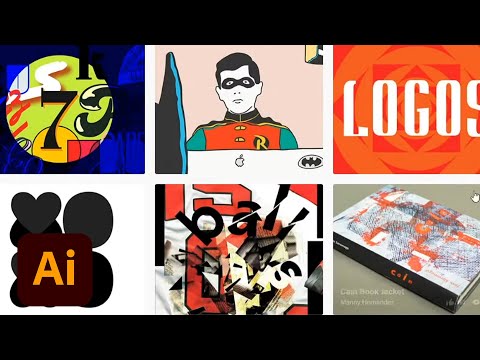
Designing and Mocking Up Logos in Adobe Illustrator and Photoshop - Part 2
Add to list
#Art & Design
#Design & Creativity
#Graphic Design
#Logo Design
#Digital Media
#Adobe
#Adobe Photoshop
#Adobe Illustrator
#Typography
#Color Theory
#Business
#Marketing
#Brand Identity
#Programming
#Web Development
#Web Design
#Mockups
#Vector Graphics