Description:
Watch a comprehensive Adobe Live video tutorial featuring designer Ashley Armstrong as she creates an 8-page at-home activity guide using Adobe InDesign and Illustrator. Learn best practices for setting up pages and layouts, including grid structure, photo placement, typography selection, and balancing copy with visuals. Follow along as Armstrong demonstrates editorial design techniques, from initial inspiration to final layout, covering topics such as creating masks, managing columns, adding visual interest, and working with copy decks. Gain insights into the design process, including color adjustments, attention to text rag, and maintaining balance between text and images. The tutorial also includes a review of the AI daily creative challenge and concludes with work on the centerfold graphic.
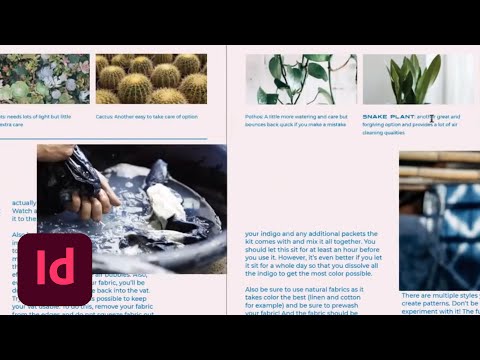
Designing an At-Home Activity Guide Using InDesign and Illustrator - Part 1
Add to list
#Art & Design
#Design & Creativity
#Graphic Design
#Editorial Design
#Typography
#Visual Design
#Computer Science
#Grid Systems