Description:
Watch the second part of a two-hour Adobe Live session featuring designer Danielle LaBonté as she creates a logo, icon, and wordmark for a Rustic Modern French Restaurant using Adobe Illustrator. Dive into icon creation, wordmark design, color palette finalization, and mockup development for the restaurant's branding. Learn valuable techniques such as using the shape builder tool for icon exploration, aligning tools for precision, exploring Pantone colors, and utilizing the touch type tool. Gain insights into Danielle's favorite design tools, her approach to logo variations, and strategies for overcoming creative blocks. Follow along as she reviews client presentations, works with mockups in Photoshop, designs business cards, and exports final project materials. This comprehensive tutorial offers a crash course in logo design, from concept to final presentation, perfect for aspiring designers and branding enthusiasts.
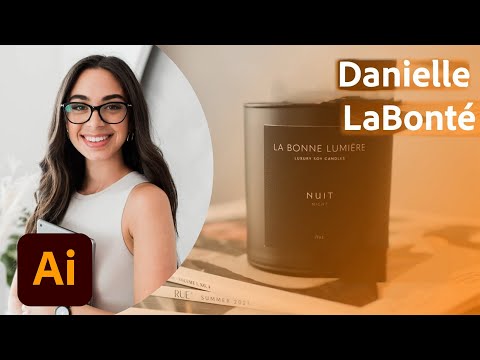
Designing a Restaurant Logo and Brand Identity - Part 2
Add to list
#Art & Design
#Design & Creativity
#Graphic Design
#Logo Design
#Business
#Marketing
#Branding
#Digital Media
#Adobe
#Adobe Illustrator
#Typography
#Color Palettes
#Shape Builder Tool