Description:
Watch a nearly two-hour Adobe Live session featuring multidisciplinary artist DeltaTangoMike as he creates a mural inspired by Aztek Gods and Goddesses. Follow along as he sketches in Fresco, exports to Adobe Illustrator for coloring and finalization, and shares insights on his creative process. Learn about layering techniques, working with gradients, vector manipulation, and file management for large-scale projects. Gain valuable tips on collaborating with printers and explore the artist's portfolio during a Q&A session. Discover the intricacies of digital mural design and get inspired to start your own project.
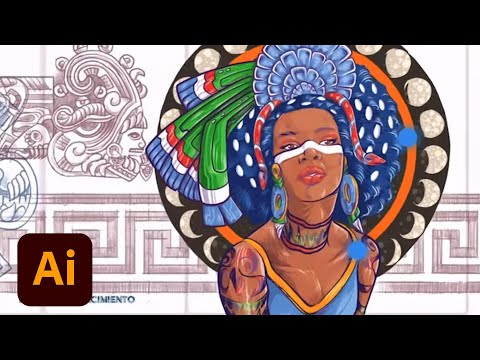
Designing a Mural Inspired by Aztec Gods and Goddesses - Part 2
Add to list
#Art & Design
#Digital Media
#Adobe
#Adobe Illustrator
#Adobe Fresco
#Visual Arts
#Digital Art
#Computer Science
#Operating Systems
#File Management
#Design & Creativity
#Graphic Design
#Vector Graphics