Description:
Learn to design a lasercut laptop stand using Fusion 360 in this 20-minute video tutorial. Follow along as Fusion 360 Evangelist Taylor Stein guides you through the complete workflow, demonstrating how to handle common mistakes. Start by creating a base sketch, add dimensions, and utilize user parameters. Progress through extrusion techniques, copy and paste functions, and component creation. Master constraints and Boolean operations before adding supports and legs. Finally, prepare your design for laser cutting. Gain practical insights into the Fusion 360 design process, from initial concept to final production-ready model.
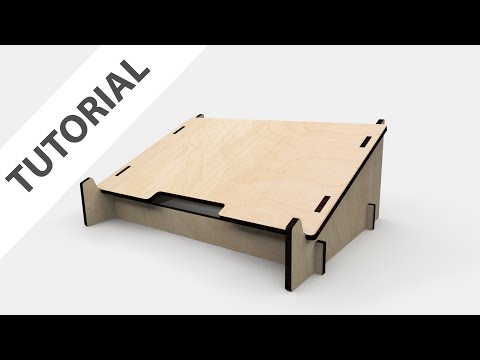
Designing a Lasercut Laptop Stand with Fusion 360
Add to list
#Engineering
#CAD
#Autodesk Fusion 360
#Art & Design
#Visual Arts
#3D Design
#Parametric Design
#Parametric Modeling