Description:
Watch a nearly two-hour Adobe Live session featuring designer and hand lettering artist Casey Moses as she demonstrates the process of creating unique book covers. Learn valuable techniques for lettering in Adobe Fresco and explore composition and layout using InDesign and Photoshop. Follow along as Casey develops a romance novel cover, from initial thumbnails and sketching to refining letterforms and adding weight to downstrokes. Gain insights into client presentations, font usage, and color selection. Discover tips for designing book spines, integrating blurbs, and creating engaging front and back flaps. Explore the influence of BookTok and learn about Casey's inspiration sources. Perfect for aspiring book cover designers and typography enthusiasts looking to enhance their skills in digital illustration and layout design.
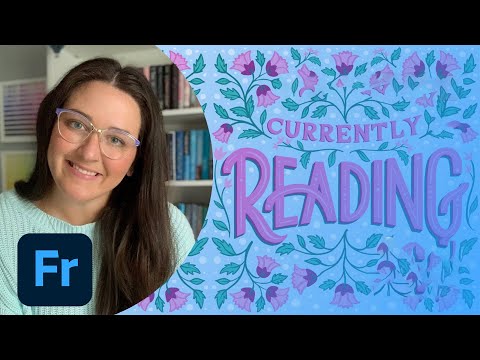
Designing a Custom Book Cover - Part 1
Add to list
#Art & Design
#Design & Creativity
#Graphic Design
#Book Cover Design
#Typography
#Digital Media
#Adobe
#Adobe Fresco
#Digital Illustration
#Visual Arts
#Calligraphy
#Hand Lettering