Description:
Learn to create a dramatic and cinematic Venom-inspired logo design in this 30-minute tutorial using Adobe Illustrator and Photoshop. Master the new 3D features in Illustrator's latest version, along with various tools and techniques. Begin by setting up the document and using the Pen Tool to draw the initial shape. Explore how to roughen edges, utilize the 3D panel for depth, add highlights, and incorporate a tagline. Finish by enhancing the design with Photoshop effects to achieve a professional, movie-quality logo.
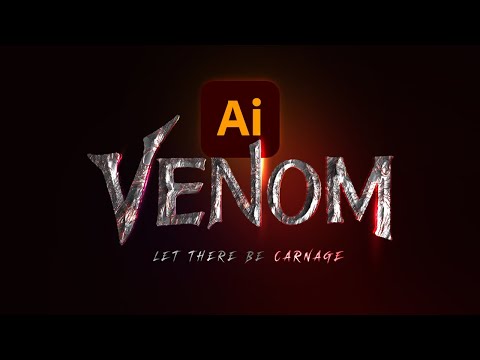
Creating a Venom Logo in Adobe Illustrator
Add to list
#Art & Design
#Digital Media
#Adobe
#Adobe Illustrator
#Design & Creativity
#Graphic Design
#Logo Design
#Computer Science
#Computer Graphics
#3D Graphics
#3D Effects
#Pen Tool