Description:
Learn how to create a realistic iPhone design in Photoshop with this 21-minute tutorial. Master essential techniques including working with layers, creating rounded rectangles, applying strokes and gradients, adjusting fill opacity, and adding bevel and emboss effects. Discover how to craft a convincing silver material finish and apply final touches for a polished result. Enhance your graphic design skills and expand your Photoshop expertise with this practical, step-by-step guide to digital product visualization.
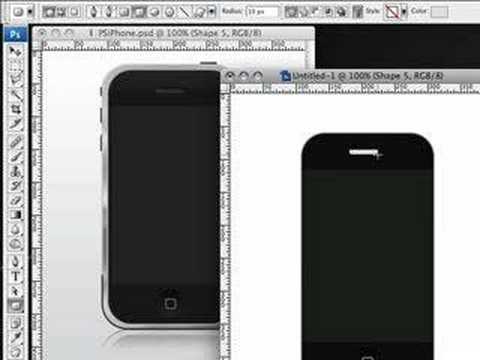
Creating an iPhone in Photoshop
Add to list
#Art & Design
#Digital Media
#Adobe
#Adobe Photoshop
#Design & Creativity
#Graphic Design
#Visual Arts
#3D Design
#3d Modeling
#Programming
#Web Development
#Web Design
#User Experience Design
#User Interface Design
#Film & Theatre
#Filmmaking
#Film Production
#Visual Effects
#Business
#Product Design
#Digital Product Design
#Vector Graphics
#Digital Illustration
#Photo Editing
#Photo Manipulation