Description:
Learn to create eye-catching grunge designs using stain-based techniques in Photoshop. Follow along as the instructor demonstrates a step-by-step process inspired by various stain sources. Begin by selecting an image and applying filters to create a monochromatic stain effect. Then, combine custom stain brushes and textures to achieve a striking grunge result. Master techniques such as channel mixing, filter application, contrast adjustment, layer masking, and brush customization. Explore how to incorporate textures, apply layer styles, and use erasing techniques to refine your design. By the end of this 28-minute tutorial, you'll have the skills to transform ordinary images into captivating, stain-inspired artwork.
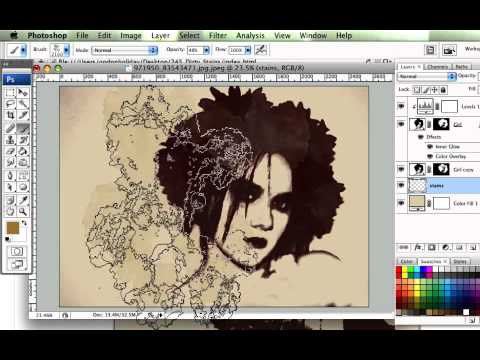
Creating Dirty Stains Design in Photoshop - Grunge Effects Tutorial
Add to list
#Art & Design
#Digital Media
#Adobe
#Adobe Photoshop
#Design & Creativity
#Graphic Design
#Visual Arts
#Digital Art
#Computer Science
#Computer Graphics
#Image Manipulation
#Layer Masks