Description:
Learn how to create a realistic car animation in Blender 3 with this beginner-friendly tutorial. Start by importing a car model and utilizing the RBC add-on for enhanced vehicle control. Master car animation techniques to bring your vehicle to life. Construct a detailed road environment to set the scene. Explore camera animation to capture dynamic shots of your moving car. Gain access to free assets, including a professional car model and road textures. Discover tips for optimizing your project for less powerful computers. By the end of this 36-minute guide, you'll have the skills to produce impressive car animations in Blender 3.
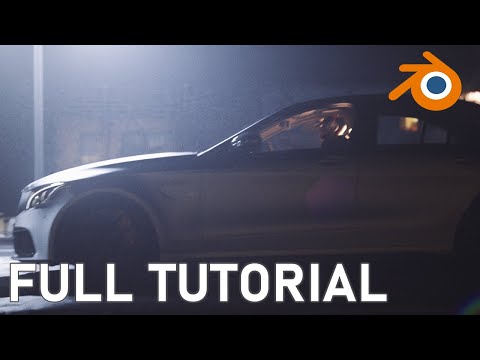
Blender 3 Realistic Car Animation Tutorial - Beginner
Add to list