Description:
Learn to implement a Login Authentication UI with React Hook Form in React and React Native through this beginner-friendly tutorial. Master form management and validation techniques, starting with React Hook Form installation and progressing to creating a Sign In screen. Explore custom input controllers, validation rules, and error handling. Develop a Sign Up screen with email regex validation and custom password matching. Apply React Hook Forms to additional app forms and gain a comprehensive overview of Authentication UI implementation. Prerequisites include React Native environment setup and access to provided asset bundles and GitHub repository.
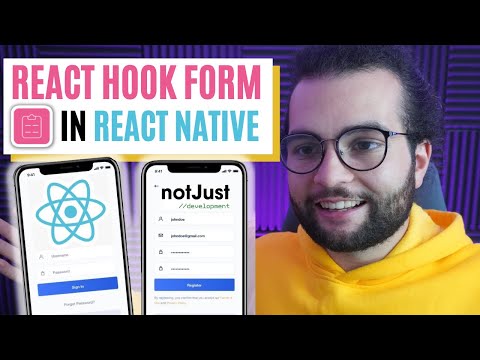
Authentication Form in React Native Using React Hook Form - Tutorial for Beginners
Add to list
#Programming
#Mobile Development
#React Native
#Domain-Specific Languages (DSL)
#Regular Expressions
#Web Development
#Form Validation