Description:
Explore the process of creating immersive 3D worlds using Reality Composer and integrating them into ARKit3 and RealityKit-enabled Xcode projects. Learn to convert OBJ files to USDZ format for use in Reality Composer, and follow along as the tutorial guides you through creating a new project, manipulating 3D objects, setting up scene anchors, and implementing AR views. Gain hands-on experience with ARKit 3 and RealityKit while building an interactive augmented reality scene featuring a robot in a custom 3D environment.
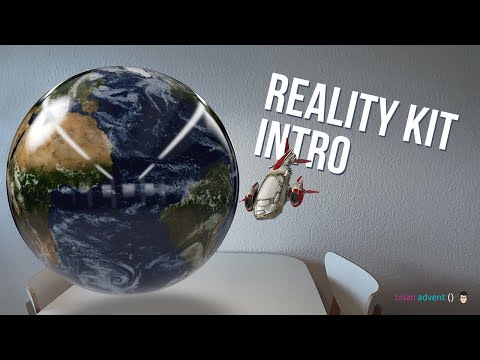
ARKit 3 Tutorial - Create Your Own 3D Worlds with Reality Composer & RealityKit
Add to list
#Programming
#Mobile Development
#iOS Development
#ARKit
#Art & Design
#Visual Arts
#3D Design
#Augmented Reality