Description:
Save Big on Coursera Plus. 7,000+ courses at $160 off. Limited Time Only!
Grab it
Learn advanced animation techniques in Adobe XD with this 37-minute tutorial focused on inserting GIFs and videos into prototypes. Explore a game platform concept created for the Designoff Tournament, utilizing Adobe Photoshop and auto-animate transitions for parallax effects. Master essential skills including asset management, concept integration, parallax effect creation, button animation, and video animation. Follow step-by-step instructions to create artboards, prepare them for animation, and achieve impressive final results. Gain valuable insights into workflow optimization and access downloadable XD files to enhance your learning experience.
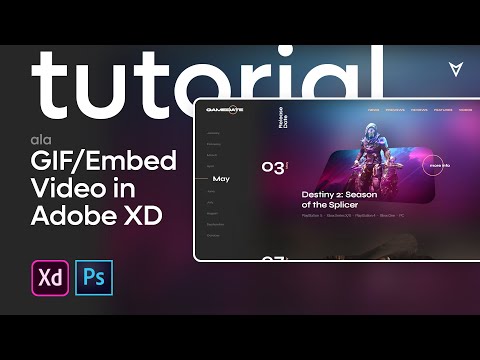
Animation Tutorial - How to Insert Gif / Video in Adobe XD
Add to list
#Art & Design
#Digital Media
#Adobe
#Adobe XD
#Visual Arts
#Animation
#Programming
#Web Development
#Web Design
#Parallax Effects