Description:
Learn to create stunning stereoscopic 3D effects in After Effects with this comprehensive tutorial. Master techniques for crafting a mesmerizing tunnel effect, designing realistic eyeballs, animating flying eyeballs, applying color correction, and adding a dynamic wiggle effect. Gain valuable insights into stereoscopic animation and enhance your After Effects skills through hands-on practice with each step of the creative process.
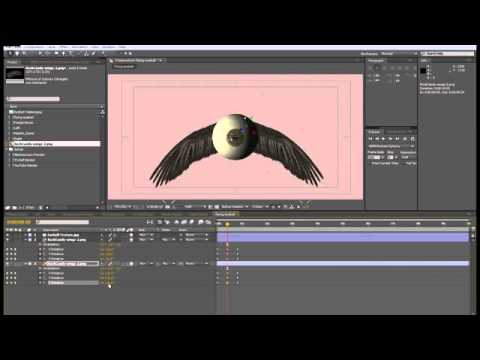
After Effects Stereoscopic Animation Tutorial - Part 1
Add to list
#Art & Design
#Digital Media
#Adobe
#Adobe After Effects
#Visual Arts
#Animation
#3D Design
#3d Modeling
#Film & Theatre
#Filmmaking
#Film Production
#Visual Effects
#Video Editing
#Color Correction
#Motion Graphics