Description:
Explore advanced geometry creation techniques using the Pipe command in Autodesk Fusion 360 through this 56-minute livestream tutorial. Learn to design a patio light fixture, starting with creating a cage component and skeleton shape. Master essential commands like Offset Planes, Split Face, Pipe, and Mirror to build complex structures. Discover how to combine pipes, create tabs, and apply fillets for a polished look. Dive into material creation by designing a glass component, adding appearances, and utilizing normal maps. Finish the project by applying a powdercoat material and rendering the final lamp design. Gain valuable insights into modifying the skeleton model for future iterations.
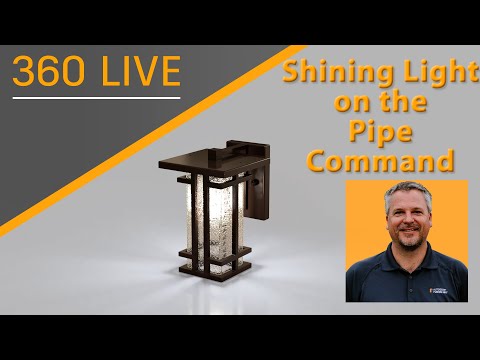
Shining Light on the Pipe Command
Add to list
#Engineering
#CAD
#Autodesk Fusion 360
#Art & Design
#Visual Arts
#3D Design
#3d Modeling
#Business
#Product Design