Description:
Discover essential tips and tricks for maximizing your generative design skills in this hour-long live stream from Autodesk. Explore advanced techniques for free-form design, manufacturing optimization, and cost analysis. Learn to leverage 2/2.5 and 3-axis CNC milling, create efficient starting shapes, and utilize powerful tools like local preview and synthesis. Master the art of tagging, filtering, and iteration selection to streamline your workflow. Gain insights into export options, symmetry adjustments, and accessibility analysis. Enhance your understanding of simulation and manufacturing processes to create more efficient and cost-effective designs using Autodesk Fusion 360's generative design capabilities.
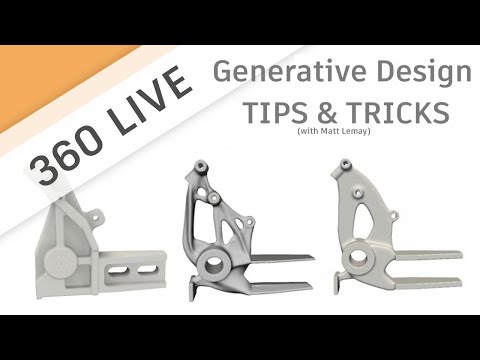
Generative Design Tips & Tricks
Add to list
#Engineering
#CAD
#Autodesk Fusion 360
#Art & Design
#Digital Media
#Screen Recording
#Livestreaming
#Business
#Finance
#Financial Analysis
#Cost Analysis
#Generative Design
#Manufacturing
#CNC Machining
#CNC Milling