Description:
Watch a 59-minute live tutorial demonstrating the design and manufacturing process of custom 3D printed prescription glasses using Fusion 360. Follow along as Jason Lichtman guides you through each step, from initial sketching and data scanning to creating the frame's front view, nosepads, hinges, and logo. Learn advanced techniques like surface offsets, component mirroring, and preparing the design for 3D printing. Discover how to use Fusion 360's features for creating contact sets and optimizing the model for local 3D printing. Gain insights into the post-processing steps, including tracing and grinding, to complete these unique HP Multi-Jet Fusion 3D printed glasses.
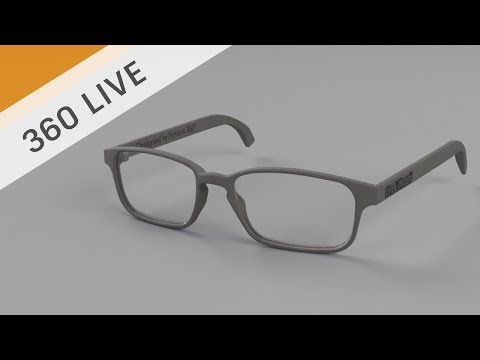
Designing 3D Printed Prescription Glasses
Add to list
#Engineering
#CAD
#Autodesk Fusion 360
#Art & Design
#Digital Media
#3D Printing
#Business
#Product Design
#Visual Arts
#Drawing
#Sketching