Description:
Elevate your Adobe InDesign proficiency with 15 essential tips and tricks in this comprehensive 34-minute video tutorial. Master advanced techniques such as generating QR codes, creating interactive popups, and animating assets for dynamic PDFs. Learn to utilize parent pages, craft tables of contents, apply clipping masks, and harness the color theme tool for stunning designs. Explore creative text effects, including neon and highlighting, and discover how to convert InDesign files to PowerPoint presentations. Delve into efficient workflows with the find/change function, multiple page sizes, data merging, and fillable form creation. Perfect your layout skills by mastering text wrapping around subjects, enhancing your overall design capabilities in Adobe InDesign.
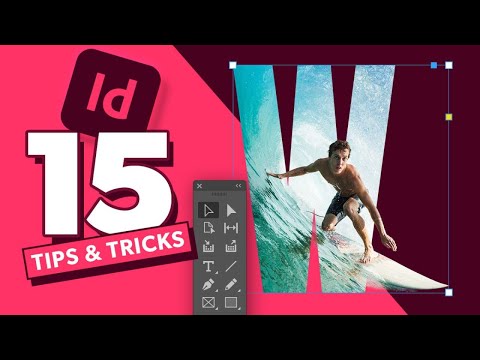
Tips & Tricks All InDesign Users Should Know
Add to list
#Art & Design
#Digital Media
#Adobe
#Adobe InDesign
#Programming
#Mobile Development
#QR Codes
#Design & Creativity
#Graphic Design
#Clipping Masks
#Business
#Marketing
#Digital Marketing
#Content Creation
#Publishing
#Digital Publishing
#Interactive PDFs