Description:
Learn 10 essential Photoshop techniques to optimize photos for social media platforms like Instagram, Facebook, and YouTube. Master pixelated resizing, color profile management, adjustment locking, safe zone framing, canvas background manipulation, color enhancement, proper dimensioning and resolution, selective sharpening, and export settings. Enhance image quality, fix color shifts, improve sharpness, and make colors pop for smaller screens, ensuring your photos look their best across various social media platforms and web displays.
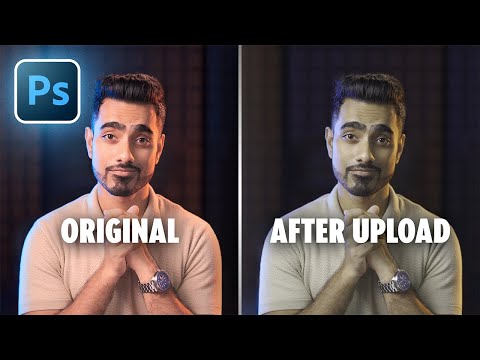
10 Photoshop Tricks for Optimizing Social Media Photos
Add to list
#Art & Design
#Digital Media
#Adobe
#Adobe Photoshop
#Business
#Marketing
#Digital Marketing
#Social Media
#Design & Creativity
#Graphic Design
#Image Editing
#Video Editing
#Color Correction