Working With Shapes Lesson - Design Basics Episode 7
Learn to create and manipulate geometric and organic shapes in Adobe Illustrator, including using the Pathfinder Tool for combining and subtracting shapes to enhance your design skills.
Creating Custom Patterns in Adobe Illustrator - Foundations Challenge
Learn to create custom brand patterns in Illustrator using pathfinder tools, color palettes, and various techniques. Explore squiggly lines, random shapes, clipping masks, and logo integration for unique designs.
Advanced Vector Design Techniques in Adobe Illustrator - Creative Basics 201
Enhance vector design skills with advanced Adobe Illustrator techniques. Learn Pathfinder tools, Shape Builder, compound paths, and type manipulation for maximizing creative potential.

Getting It Done with InDesign - Speedy Tips and Tricks
Discover time-saving InDesign techniques for creating grids, editing tables, and automating tasks. Learn expert tips to enhance productivity and efficiency in your design workflow.
Level Up Your Brand Using Typography - Part 1
Learn to customize logos and create unique typefaces using Illustrator with graphic designer Amber Asay. Explore font variations, kerning techniques, and design tips to elevate your brand's visual identity.

Adobe Illustrator Daily Creative Challenge - Isometric Type
Learn to create eye-catching isometric typography using Adobe Illustrator's 3D panel and Pathfinder tool in this hands-on design challenge.
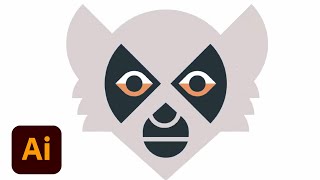
Geometric Animal Logo Design in Adobe Illustrator - Part 2
Learn geometric animal logo design techniques in Adobe Illustrator with Ben Stafford. Discover tips on pathfinder, typography, client briefs, and presenting iterations while creating a deer logo and exploring design principles.
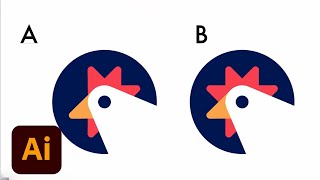
Geometric Animal Logo Design in Adobe Illustrator - Part 1
Learn geometric animal logo design techniques in Adobe Illustrator with Ben Stafford. Covers brainstorming, pathfinder tools, point manipulation, logo testing, and presentation tips for creating striking animal-inspired logos.
Adobe Illustrator CC for Beginners - 2+ Hours of Creative Cloud Training
Comprehensive tutorial covering essential Adobe Illustrator tools and techniques for beginners, from workspace customization to advanced drawing and editing features.
Inkscape Video Tutorial - Part 3: Advanced Tools and Color Management
Learn advanced Inkscape techniques: Pathfinder tools, color models, blur effects, gradients, and more. Master essential design skills for creating stunning vector graphics and illustrations.
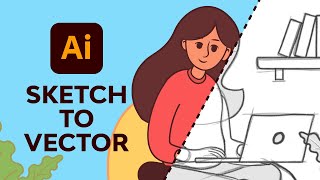
Adobe Illustrator Illustration for Beginners
Learn to create vector illustrations using essential Adobe Illustrator tools. Transform sketches into clean digital designs with expert guidance on pen, brush, shape, and color tools.