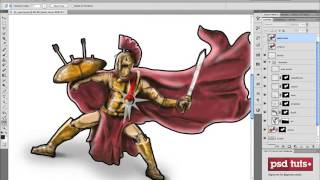
Introduction to Digital Art in Photoshop - Part 1
Learn essential Photoshop skills for digital art creation, including interface customization, layer management, and efficient workflow techniques to kickstart your journey into concept art and matte painting.
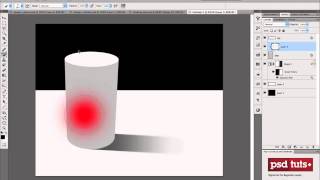
How to Apply Light, Shading, and Shadow to Round Objects - Digital Art for Beginners Part 9
Learn techniques for applying realistic light, shading, and shadows to round objects in Photoshop, enhancing your digital art skills for creating cylinders, cones, and spheres.
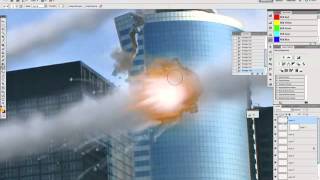
Matte Painting 101- Meteor Impacts
Learn to create realistic meteor impact scenes using digital matte painting techniques in Photoshop, including painting smoke streams and destroying buildings for cinematic effects.
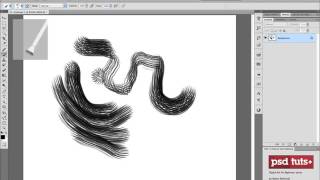
Creating Custom Brushes in Photoshop for Digital Art
Learn to create custom brushes in Photoshop for digital art, exploring brush tip shapes, tool presets, and the Brush Panel to enhance your digital artwork and concept art skills.
Matte Painting 101- Basic Destruction Techniques
Learn digital matte painting techniques to create realistic destroyed cityscapes, focusing on flooding and structural damage in iconic urban settings like New York.
The Brush Panel and Using a Tablet for Digital Art in Photoshop
Explore digital art in Photoshop: master brush options, compare mouse vs. tablet, and choose the right Wacom tablet for your needs.
Matte Painting 101- Lighting Fires
Learn to create realistic fire and torch effects in digital matte paintings using Photoshop. Master image extraction, nighttime scene creation, mask painting, and highlight techniques.
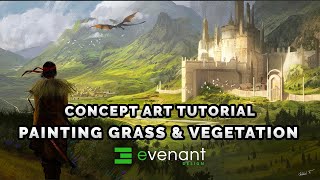
Painting Grass Tutorial - Digital Painting Basics - Vegetation - Concept Art
Learn digital painting techniques for grass, moss, fields, trees, and bushes. Master three methods to create realistic vegetation in concept art, enhancing your skills in digital landscape design.
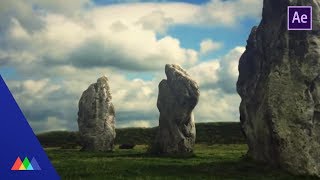
Create a 3D Scene from a Photo in After Effects
Transform a still photo into an immersive 3D scene using After Effects and Photoshop. Learn advanced techniques for realistic ground textures, seamless blending, and convincing depth to elevate your visual storytelling.