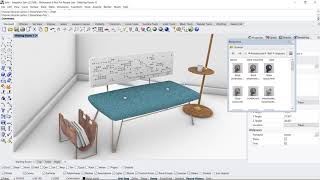
Rhino Tech Tips
Learn advanced Rhino 3D modeling techniques, from material basics to complex SubD modeling. Master tools like Gumball, UV editor, and QuadRemesh for efficient 3D design and rendering across various applications.

Using SketchUp Pro
Essential SketchUp Pro tutorials covering basics, interior design, 3D modeling, LayOut, rendering, extensions, and advanced techniques for architects and designers.

Blender 3 Realistic Car Animation Tutorial - Beginner
Learn advanced Blender 3 techniques for realistic car animations, including camera work, city building, lighting, and post-processing effects in Davinci Resolve and After Effects.
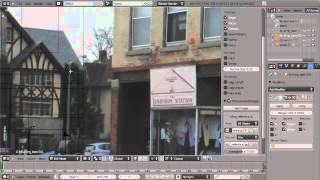
Modeling a Building in Blender from Reference
Discover techniques for modeling a building in Blender using a single reference image. Learn to approximate dimensions and create a versatile asset for games or detailed architectural models.
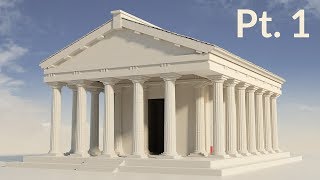
Modeling a Classic Greek Temple in Blender - Part 1
Learn to model and render a classic Greek temple using Blender 2.6 in this comprehensive tutorial. Master essential 3D modeling techniques and create stunning architectural visualizations.
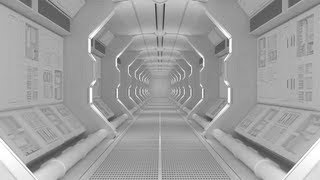
Create a Spaceship Corridor in Blender - Part 1
Learn to design a realistic sci-fi spaceship corridor using Blender's powerful 3D modeling tools. Master techniques for creating detailed futuristic environments in this hands-on tutorial.
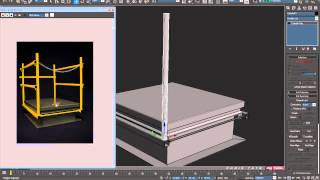
Model a Detailed Roof Hatch in 3ds Max - Part 2
Learn poly modeling techniques to create a detailed roof hatch in 3ds Max, focusing on support edges, proper topology, and maintaining a quad-based mesh for subdivision surfaces.
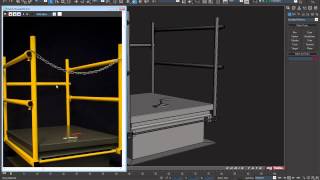
Model a Detailed Roof Hatch in 3ds Max - Part 4
Learn poly modeling techniques to create a detailed roof hatch in 3ds Max. Explore support edges, proper topology, and quad-based mesh maintenance while cutting holes in subdivided surfaces.
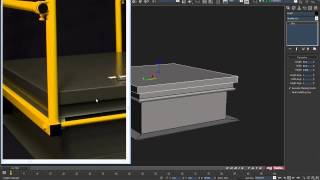
Model a Detailed Roof Hatch in 3ds Max - Part 1
Learn to create a detailed roof hatch model in 3ds Max using poly modeling tools, support edges, and proper topology. Master subdivision techniques while maintaining a quad-based mesh.
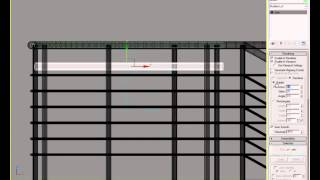
Modeling a Spiral Staircase - Part 2
Learn advanced techniques for creating realistic spiral staircases in 3D modeling, building on foundational skills to craft intricate architectural elements.
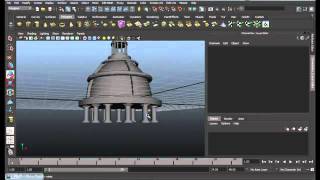
Modeling a Temple in Maya - Part 1
Learn to model a detailed temple structure using Maya's powerful 3D modeling tools and techniques in this comprehensive tutorial.
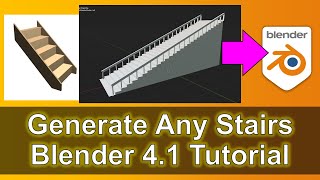
How to Create 3D Stairs in Blender - Tutorial
Learn to generate customizable 3D stairs in Blender with step-by-step guidance. Master techniques for adjusting length, height, and number of steps to enhance your 3D scenes and game environments.
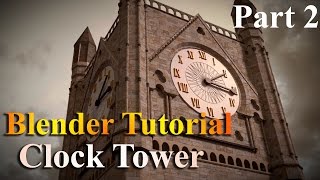
How to Create a Clock Tower in Blender
Learn UV unwrapping, texturing, and materials in Blender to create a realistic clock tower. Enhance your 3D modeling skills with practical techniques and compositing tips for stunning results.